Checking Test Coverage in IntelliJ
Right-click on Project -> test -> java -> Select Run 'Tests in '...'' with Coverage
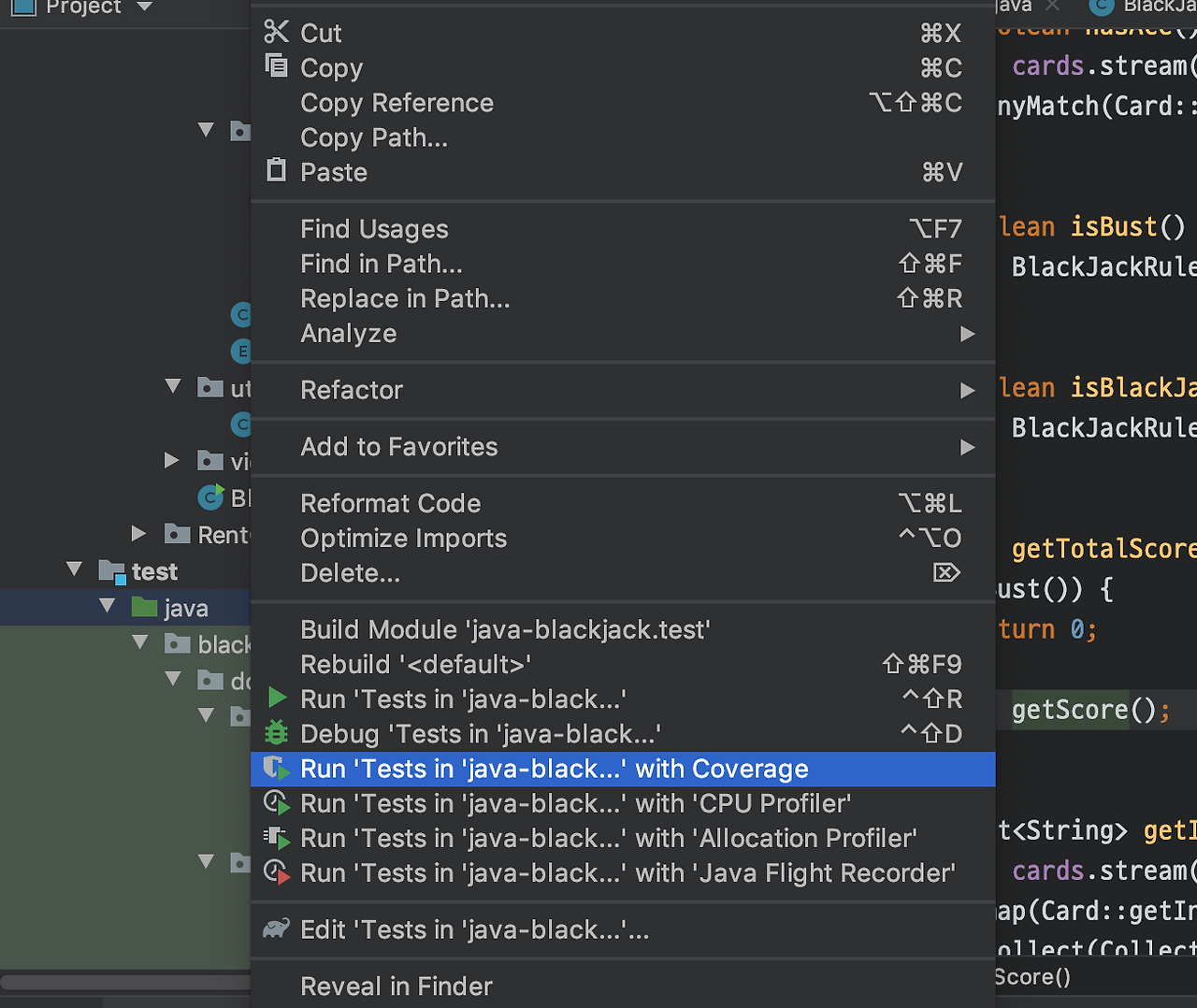
This allows you to check test coverage as shown.
In the Project tab on the left, the coverage percentage for each package/class is displayed.
In the source tab in the middle, covered parts are shown in green, and uncovered parts in red.
In the Coverage tab on the right, you can view coverage by element and click to drill down.
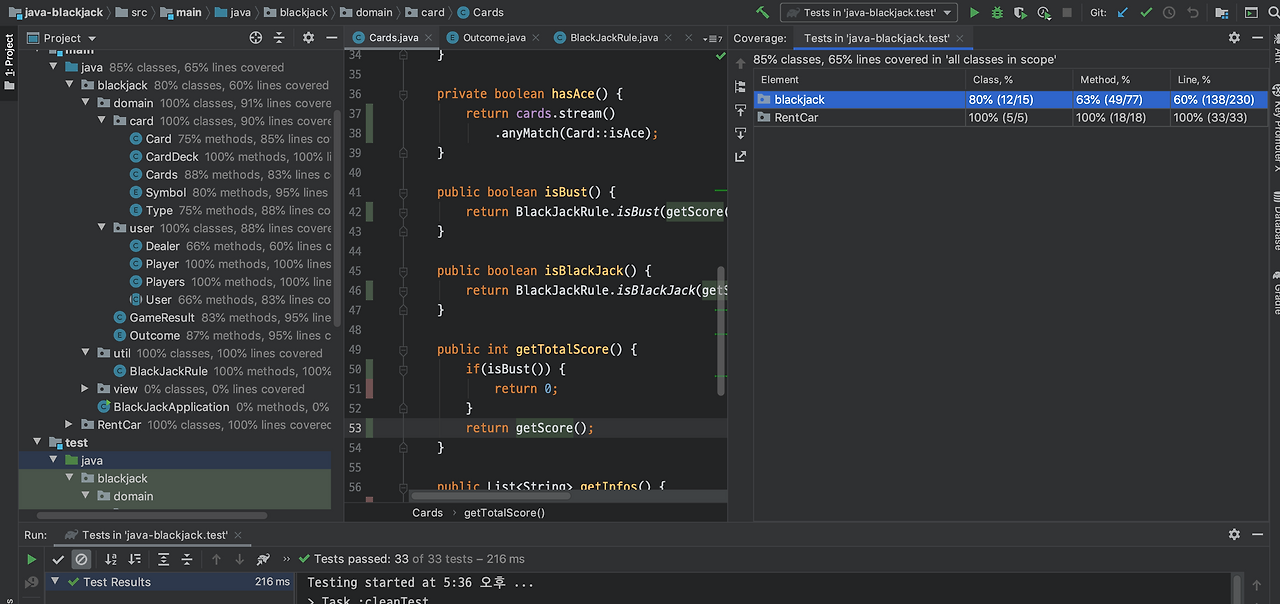
It would be good to use this to further strengthen testing.